 daylight machines
This post shows you the different clock faces you can configure on the linear clock. With individual RGB leds for each segment, there are endless possibilties. Here is what is shipped out of the box.
But first, a quick recap on what it means to have a linear clock. In contrast to traditional clocks, the linear clock shows time in a straight line. The face of the clock is divided into 48 segments. Each one represents 30 minutes, so together they span the full 24 hours of your day. In the example photos below the time is always set to 19:30, this helps to compare and understand the different clock faces that are presented.
1. Default mode
The default mode when you plug in the clock for the first time is as simple as it can be. A fixed color is used for the bar representing time. Of course you can configure this to be any color you like. In addition, it is also possible to set a different color for the blocks that are in the future. Let’s say you set them to red, then the display becomes simple: green is the past, red is the future.
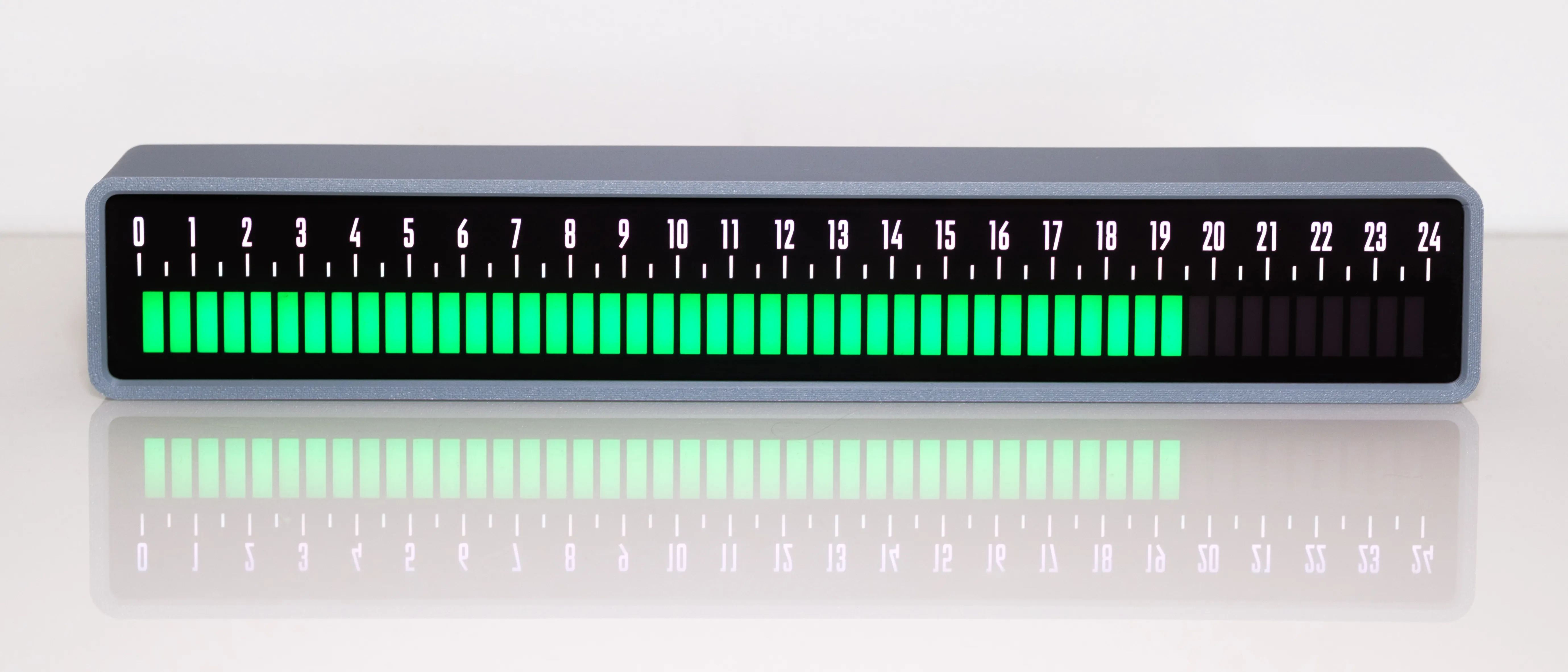
Default mode: choose a fixed color
2. Schedule mode
In this mode you can use the clock to show your own custom schedule. Always wake up at 7h and go to bed at 22h? Set your night time to a different color, so you can better visualize the duration of your day. Want to have a different color for your working and relaxing hours? No problem. This can also be useful in your family to help your child understand the progression of the day.
You can set as many blocks as you want, each with its own configurable color. Future blocks after the present time can be shown in a muted brightness, so you can see what colors are coming up.
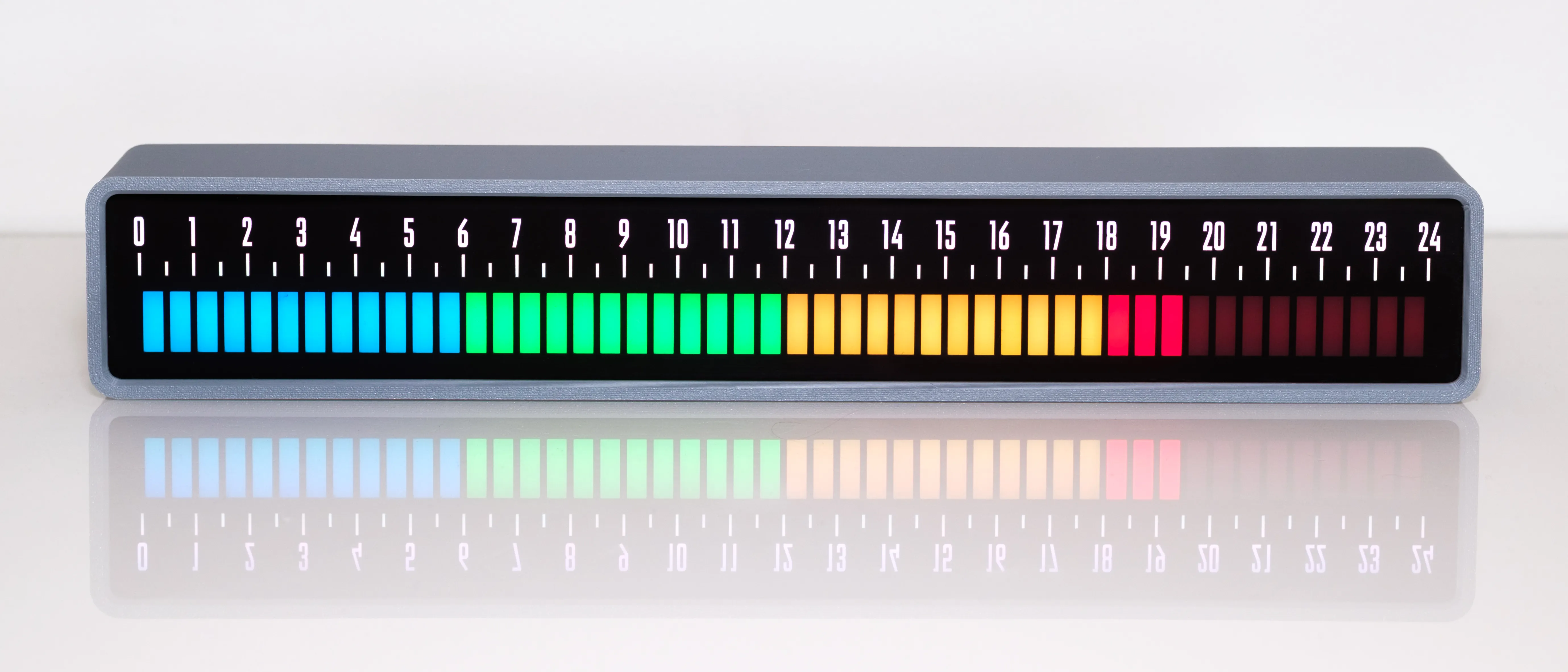
Schedule mode: divide your day in custom colored blocks
3. Gradient mode
Gradient mode is just like the default mode, but with a color gradient. You can set your own start and end point, meaning you can not only vary the color itself, but also if you want a subtle gradient, or a full rainbow.
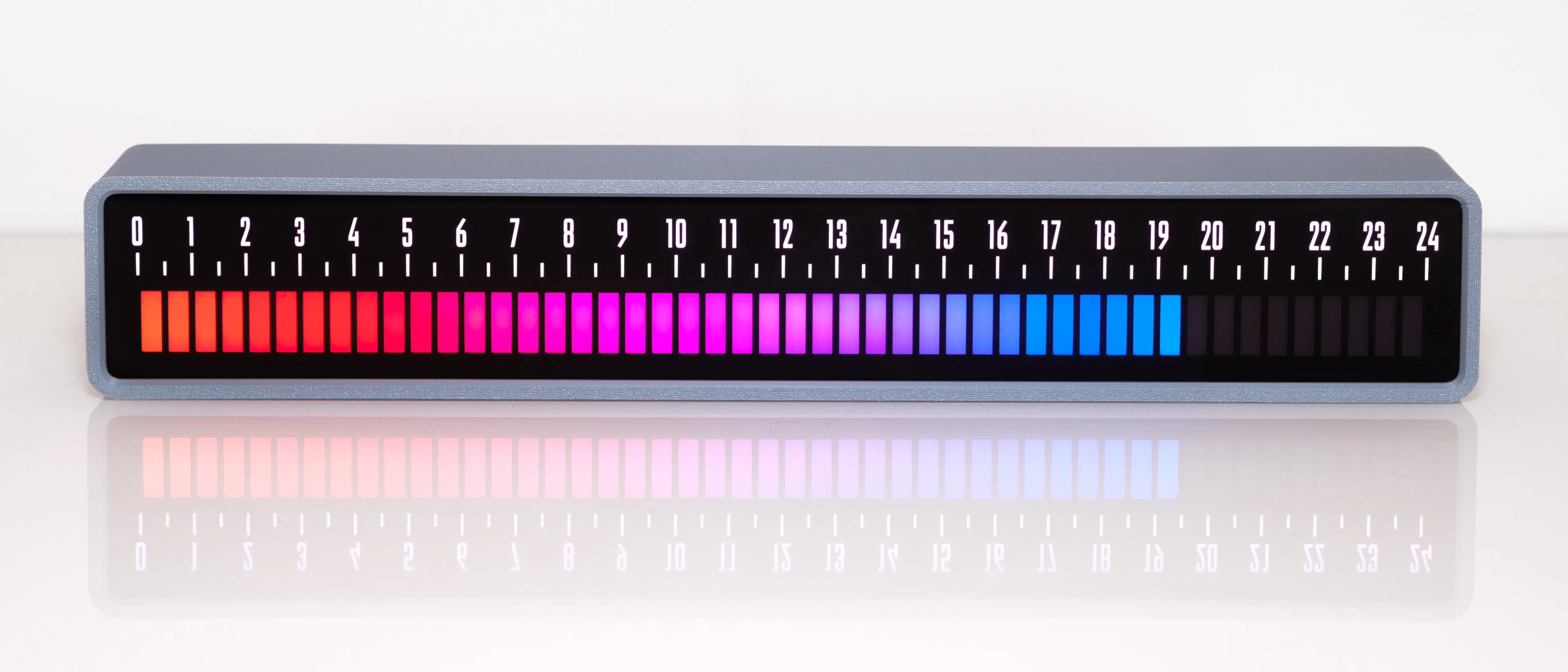
Gradient mode: for those of you who like colors
4. Sunrise/sunset mode
You can configure the clock to know your current location and the current date. And from this it will automatically calculate at what time the sun rises and sets.
In this display, blue represents the night, the red blocks are the time windows in which sunrise and sunset happens, and the yellow part represents your day. All in all this gives you a nice visual insight in how time is progressing throughout the natural cycle of day and night.
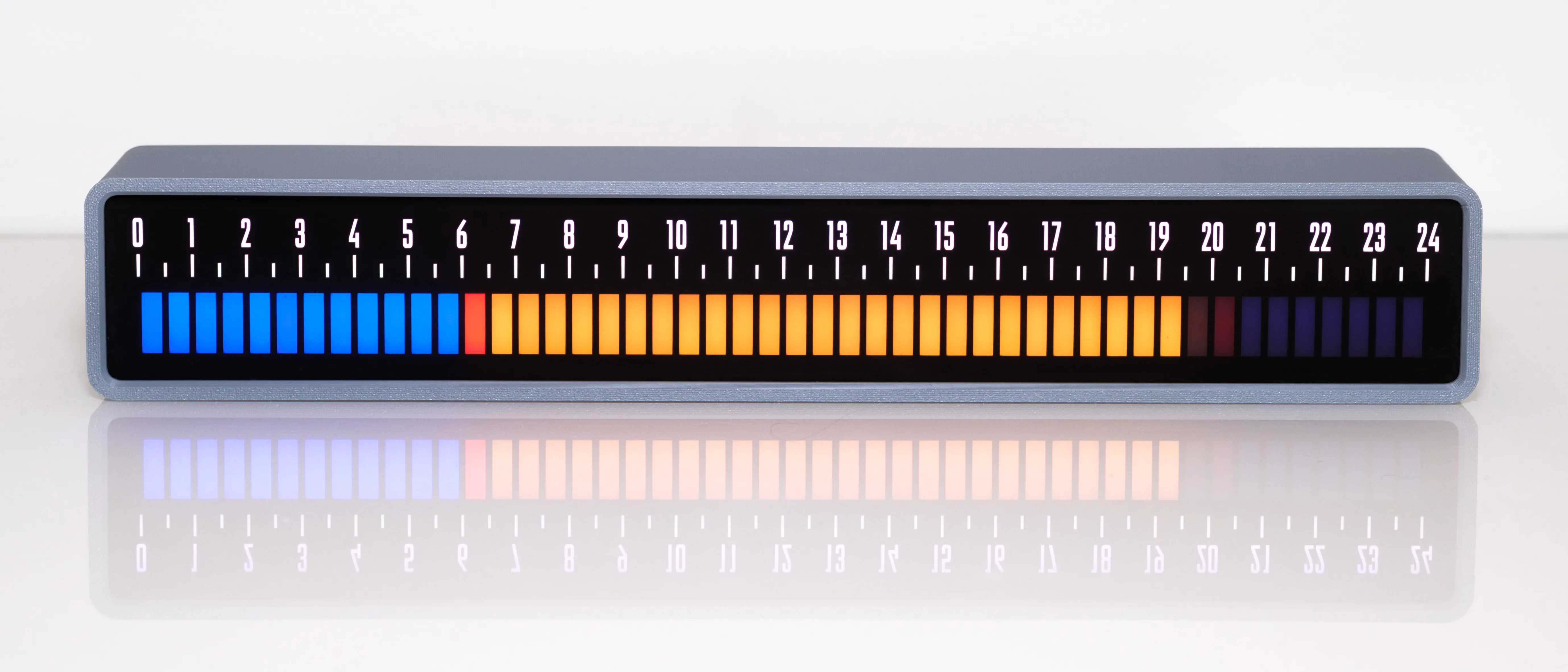
Sunrise/sunset mode: shows daylight and nighttime at your location
5. Monochrome mode
This mode is just like the default mode, but if you have a favourite color, why not apply it to the numbers and markings as well?
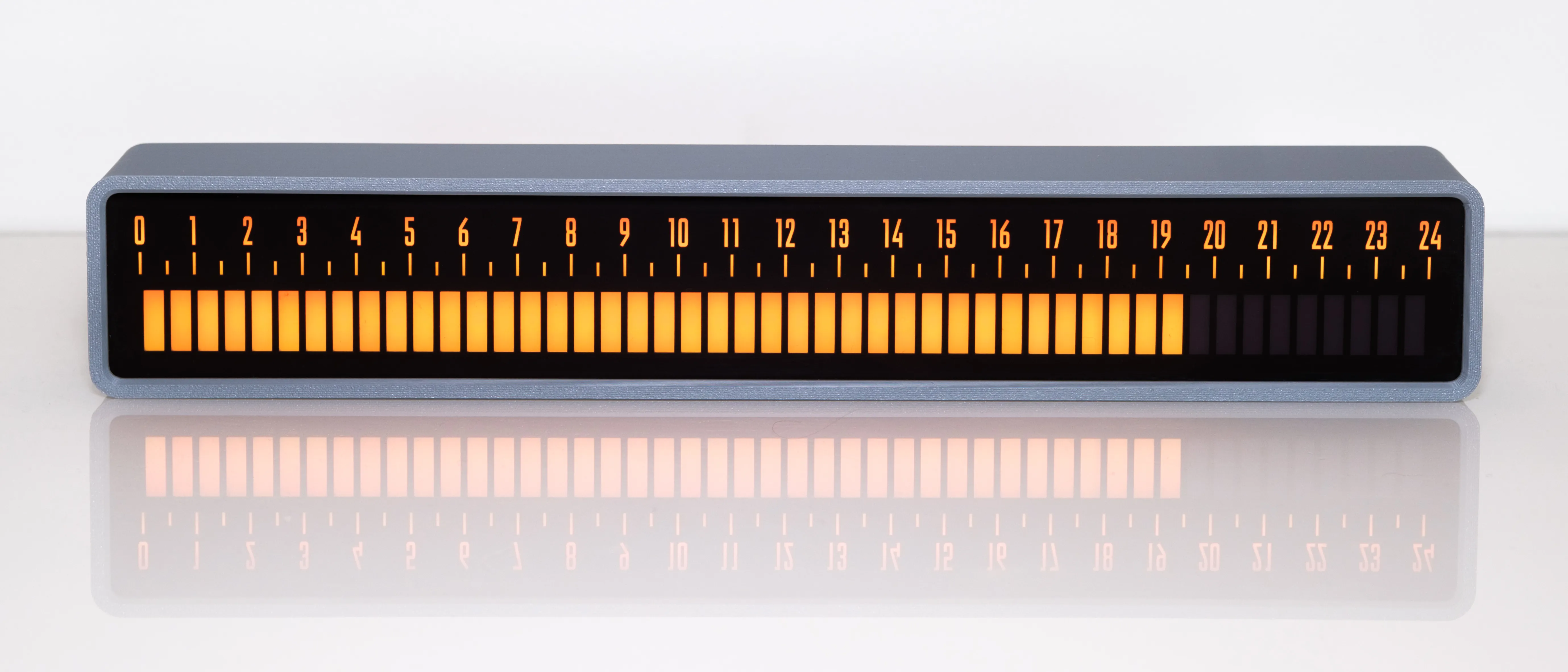
Monochrome mode: everything in your favorite color
6. Calm mode
In this final mode, the numbers are hidden from view, except for the actual hour. So you see in a single glance that it is past 19h now. Until it is 20h the blocks slowly fill with a contrasting color, giving you a quick insight in how much time of the current hour is already passed. Of course you can set custom colors for both parts of the display, to match your personal taste.
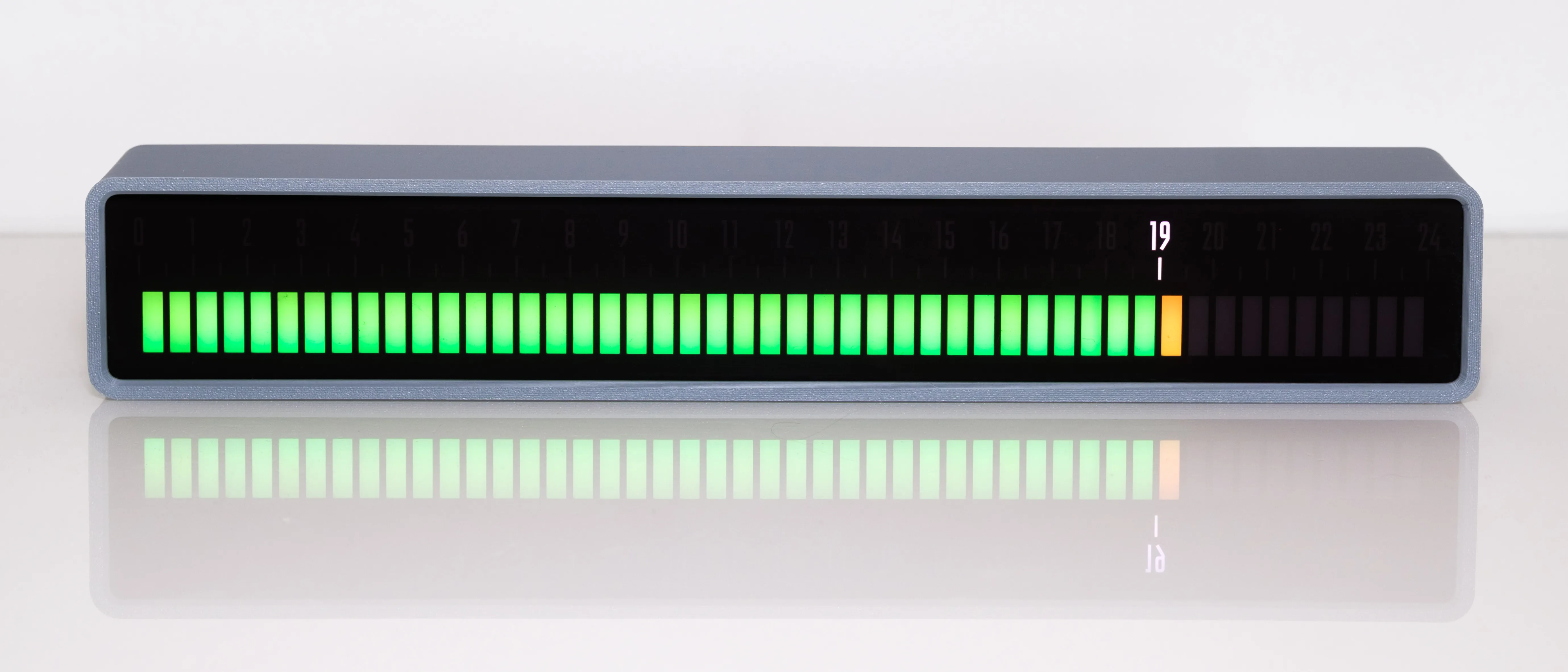
Calm mode: a more quiet way to see the time